A premium Squarespace template can save you weeks of work. But not every template is built the same way, and a few overlooked details can turn a good decision into a frustrating one.
Before you buy, here’s what’s actually worth checking.
Is it built for the current Squarespace platform?
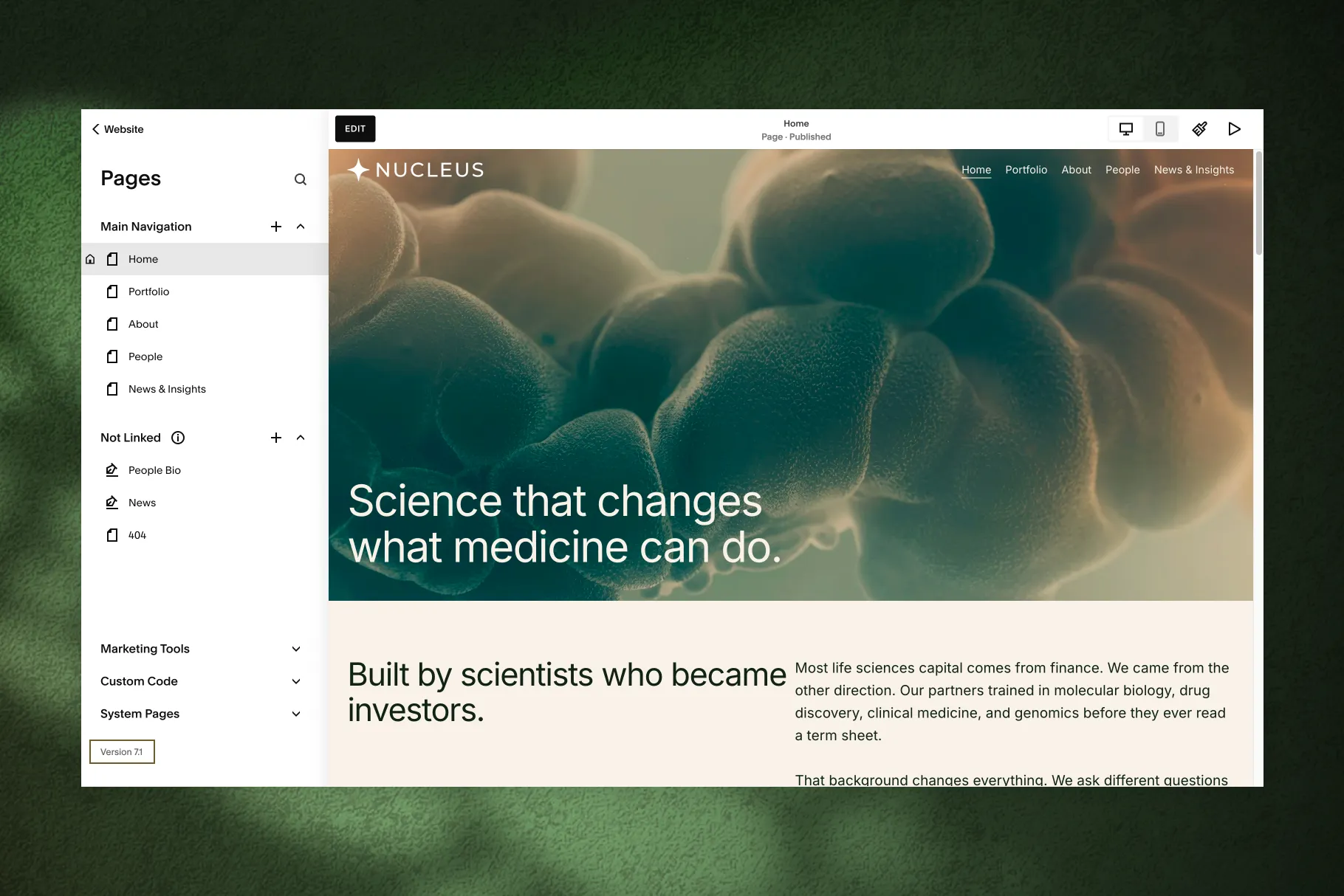
Squarespace has gone through real changes over the years. The version that matters most right now is 7.1 with Fluid Engine. It’s more flexible and easier to customize than older versions.
If a shop is still selling templates built for Classic Editor or early 7.0, that’s worth asking about before you buy. You could end up with something harder to edit than you expected.
What does the license actually cover?
This one’s easy to skip, but it matters more than it seems.
- Single-use license: the template is for one website. That’s fine if you’re building your own site.
- Unlimited license: you can reuse the template across multiple projects. This matters if you’re a designer or freelancer building sites for clients.
Buying the wrong license type can mean paying again later for something you thought you already owned.
Have you actually checked the demo on your phone?
A template can look polished on a laptop and feel completely different on a phone. Since a large share of visitors will land on your site from mobile, this isn’t optional.
Open the live demo on your own phone before you buy. Scroll through it the way a real visitor would.

What happens after you hit purchase?
Two things worth knowing in advance:
Delivery. Some shops deliver instantly — the template lands in your account within minutes. Others set it up manually, which can take anywhere from a few hours to a couple of days.
Support. Templates come with different levels of help once you’re actually building. Some shops offer detailed guides and real support if you get stuck. Others hand you the file and leave you on your own. Neither is automatically wrong, but it’s worth knowing which one you’re getting.
Don’t forget the costs beyond the template
The template itself is usually a one-time cost. But it’s not the only cost of getting a site live:
- A Squarespace subscription (a recurring cost)
- A domain name
- Possibly stock photography, if you don’t have your own images ready
None of this is hidden or unusual. It’s just easy to forget when you’re focused on the template price alone.
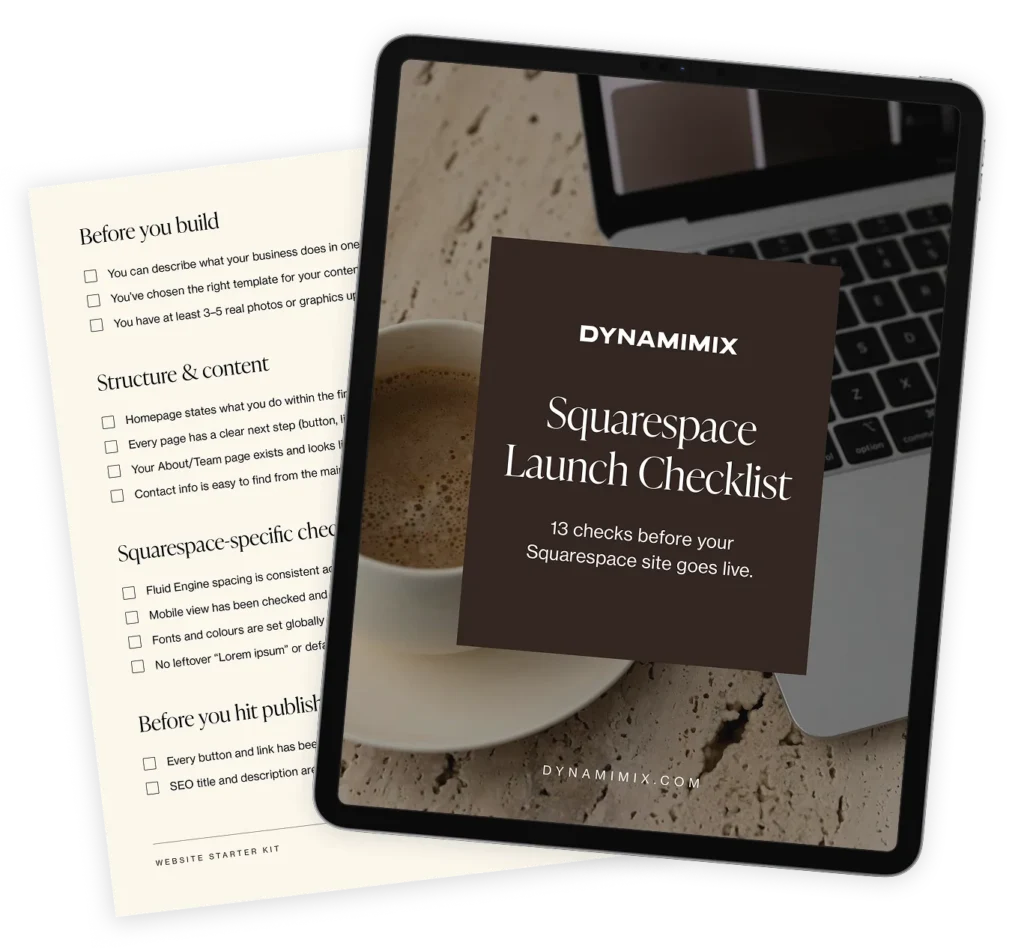
A quick gut check before you buy
If you can confidently answer yes to these, you’re in good shape:
- It’s built for Squarespace 7.1 with Fluid Engine
- The license type matches how you’ll actually use it
- The page count fits your content, not just the demo
- You’ve checked it on mobile, not just desktop
- You know what support looks like if you get stuck
A good template should reduce your work, not add to it
A good template is a real shortcut, but only if it fits how you’ll actually use it. A few minutes of checking now can save you a much bigger headache later.
We built Nucleus with these exact questions in mind: Squarespace 7.1, a page structure built for biotech and life sciences companies, and real support if you need it.